

The Buddy App for Business
Power Your Bookings with the Buddy App
Get discovered, build trust, and convert bookings through the Buddy ecosystem — from app to web.
Two Products. One Ecosystem.
The Buddy App vs. Buddy for Business

The Buddy App
Your in-app business profile, team page, dive log validation, shared dives, and discoverability — where divers find and trust you.
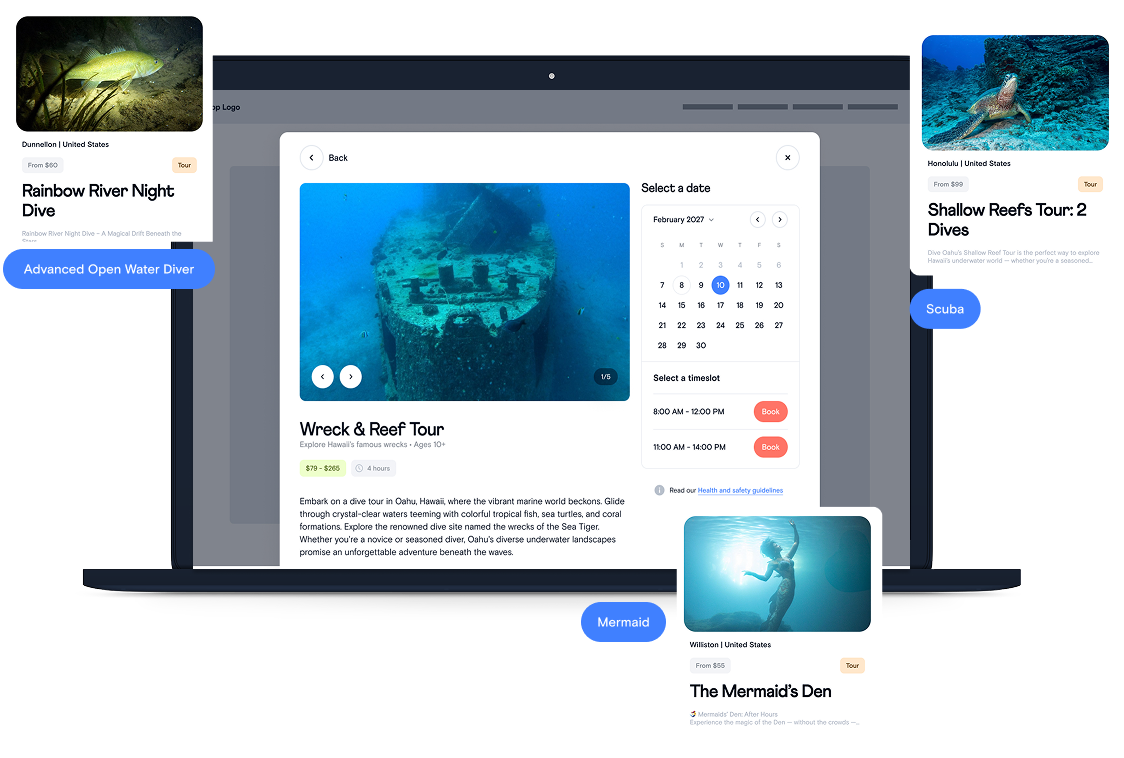
Buddy for Business
Calendar, bookings, customer management, payments — the full operator dashboard at business.bookwithbuddy.com.

How to Get Started
Three steps to connect a business
Step 1
Download the Buddy App & Create a Professional Profile
Download the Buddy mobile app on iOS or Android.
During sign-up, select Professional as your profile type.
Be sure to use the first and last name you’d like associated with your business — this is how we link you to your shop inside the app.
Step 2
Register or Claim Your Business on Buddy Booking
Register your business at:
👉 business.bookwithbuddy.com/register
Use this step to:
Claim an existing business already listed in the Buddy app
Create a new business if your business is not yet live
Once business is registered on Buddy Booking, you’ll manage all Business Profile details shown in app (name, description, location, activities, etc.) directly in Settings on Buddy booking.
These details will appear live in the Buddy app and on BookWithBuddy.com.
Step 3
Assign a Manager & Add Your Team to Business Profile
Once your business is live on Buddy Booking, our team will reach out to confirm which professional Buddy profile should be listed as the Business Manager.
The Manager:
Has in-app control to approve or deny team members
Receives notifications when professionals request to add your business to their profiles
Once approved:
Your business appears on team members’ Buddy profiles Your shop is officially represented inside the Buddy app Customers see a verified, connected team tied to your business.
Build Your Team in the App
Connect Your Team to Your Business
Team members can link their professional profile to your shop — so every dive log they validate, every dive they share, and every certification they hold connects back to your business.

Step 1
Team Requests to Join
Instructors add your business in their Buddy profile under "Dive Shop."
Step 2
Manager Confirms
You get an in-app notification to confirm them as a team member.
Step 3
They Show on Your Profile
Approved team members appear on your business page in the Buddy app.

Validate Customer & Student Dive Logs

Shared Dives Linked to Your Business